3 Feature
Your drafts go online while you stay in Okizy
Turn on auto-publish, then click “Publish all ready drafts”. Okizy fills and publishes them on Vinted one after the other, in a background tab, and shows each one’s status live.
Sign up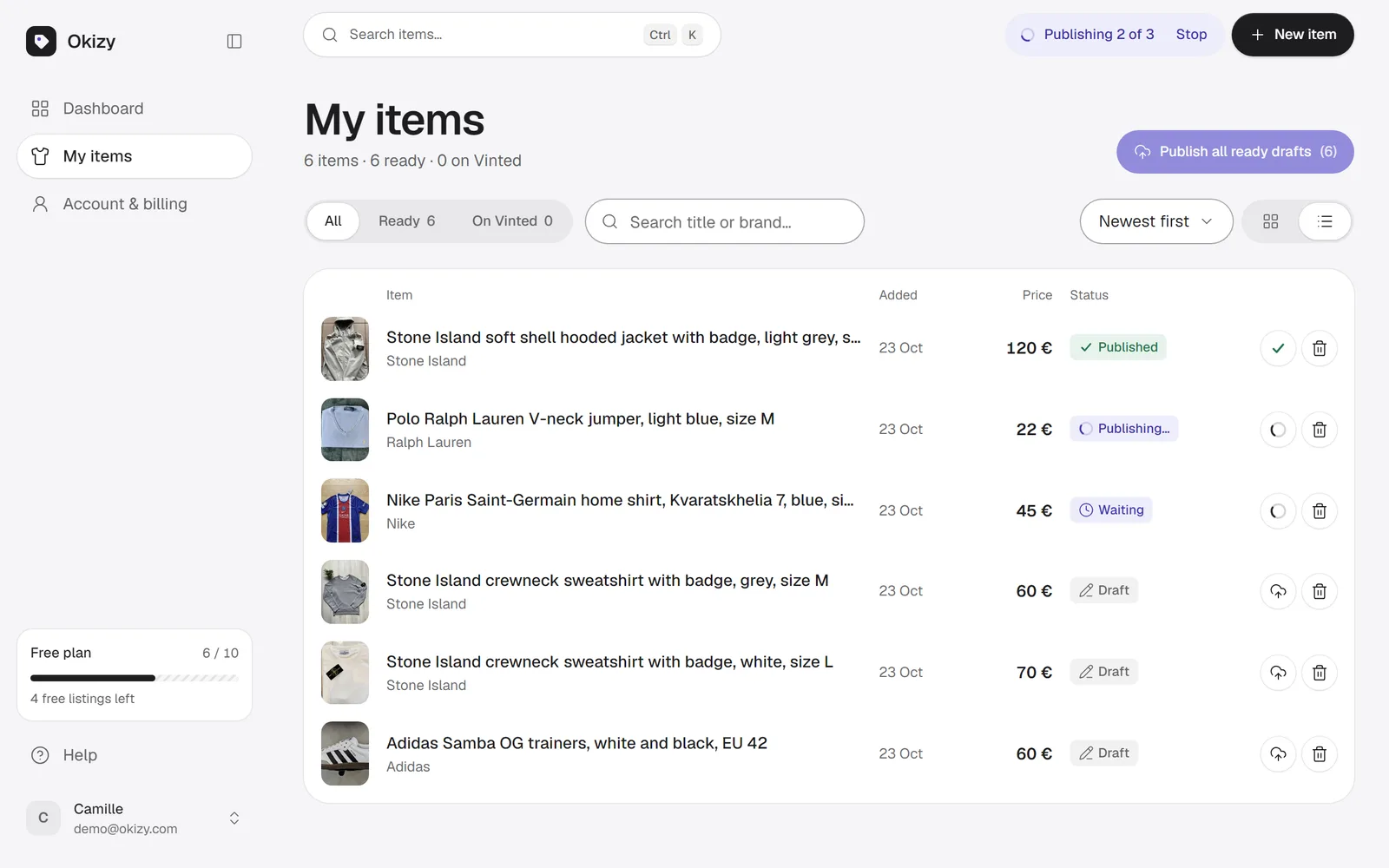
How it works
Step 1: Turn it on
Auto-publish is off for everyone at first. You switch it on in your account.

Step 2: Publish all ready drafts
One button sends every written draft to the queue.
Step 3: Follow it live
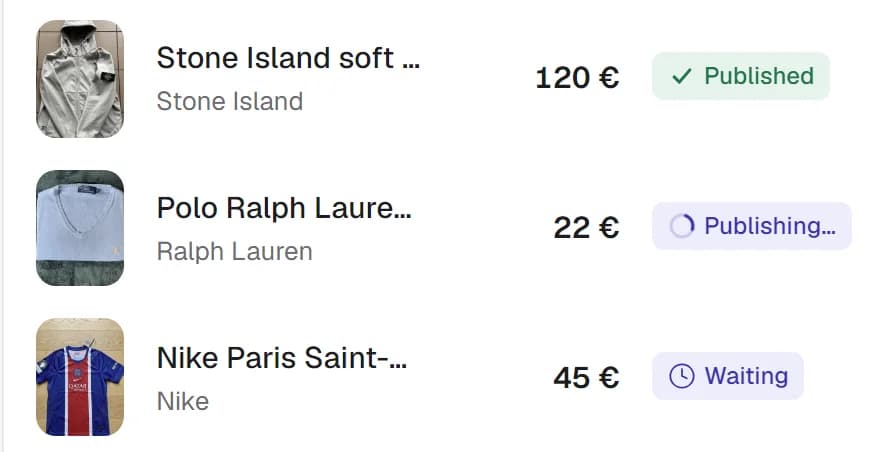
Each item shows Filling…, Publishing…, then Published, with the link to its Vinted page.
What you get
- Published on Vinted while you stay in Okizy
- Publish all your ready drafts in one go
- Live status for every item
- Never publishes a listing with missing or uncertain fields
- Off by default, you choose
At your own risk: Vinted can suspend accounts that publish automatically.
FAQ
Auto-publish: your questions
More answers on the home page.
At your own risk: Vinted can suspend accounts that publish automatically. Off by default.
When a field is missing or uncertain, or Vinted shows an error, it doesn’t click Publish: the item shows “Needs your check” and the next one starts.
Yes, with Stop in the top bar. The item in progress finishes and the others stay as drafts.
No. Vinted is filled in a background tab while you keep using Okizy. Keep your browser open until it’s done.